
For iPhone
Pic2Bricks
Take one photo of your dog. Get a brick set of it that you can really build: a model for the shelf or a portrait for the wall.
Get it on the App Store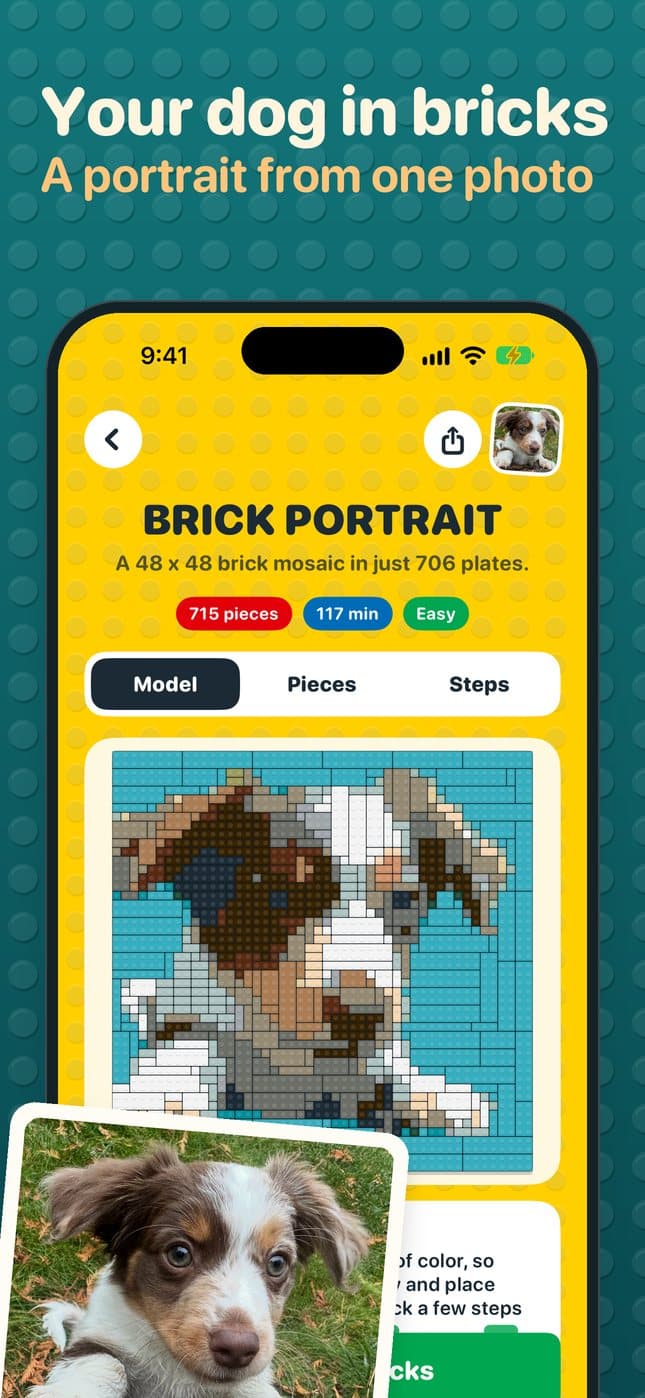
What it makes from your photo
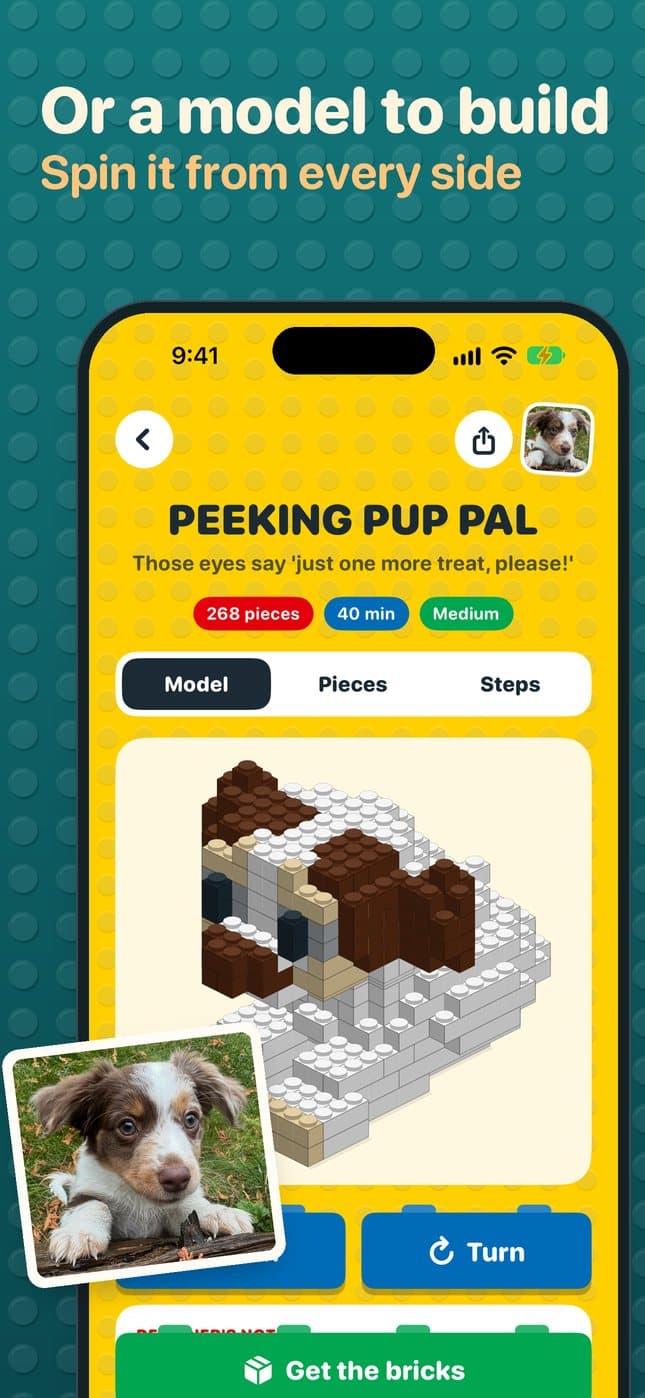
- A model to build
- Pick a size from about 75 pieces to about 500. A minute or two later you can spin the finished model and look at it from every side. It works best for pets, toys, vehicles and buildings.
- A portrait to hang
- A flat picture of a pet or a person, framed on the face and made right on your phone. Build it in Blocks, flat plates of every size that take far fewer pieces, or in Dots, one round tile per stud.
- Every piece, every step
- Each design comes with a parts list (sizes, colors and part numbers) and step-by-step instructions to follow on screen or print. One tap copies the list for BrickLink, the marketplace for single bricks.
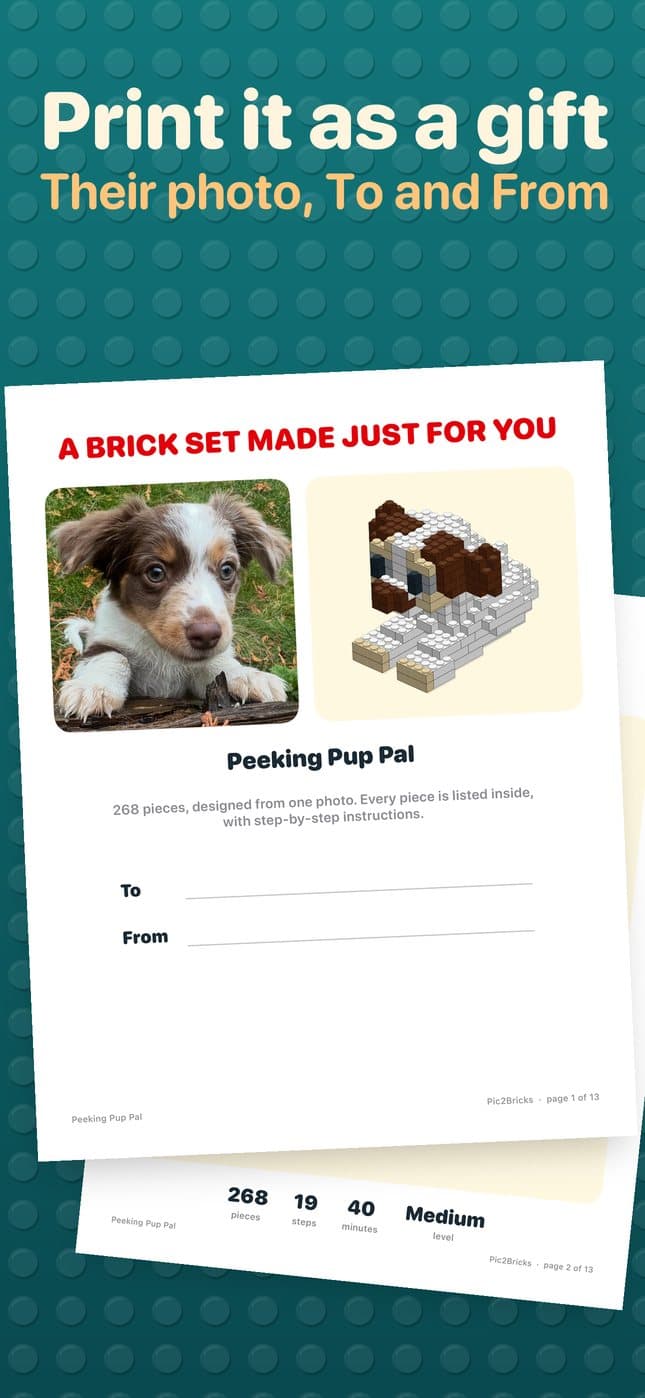
- A booklet to wrap
- Print the instructions with a gift page on the front: their photo, the finished model, and a To and From line. Give the booklet now and order the bricks when you are ready.
- A bin of loose bricks
- Photograph the pile. The app counts your pieces by color and size, suggests things to build, and designs one using only what you own.
Good to know
There is no account and no subscription. Your builds stay on your phone. A photo you send for a 3D design is used only to make that design and is not kept; portraits never leave the phone.
Questions? See Support, or email geoff@mylastlap.com.